Free Online Photo Booth
Little moments, worth keeping.
Snapatoo turns your webcam or phone camera into a free online photo booth. Take a series of pictures with a countdown timer, or upload your own photos to make classic photo strips, Korean four-cut pictures and photo grids.
 Photo Booth
Popular Templates
A variety of photo booth styles for every mood.



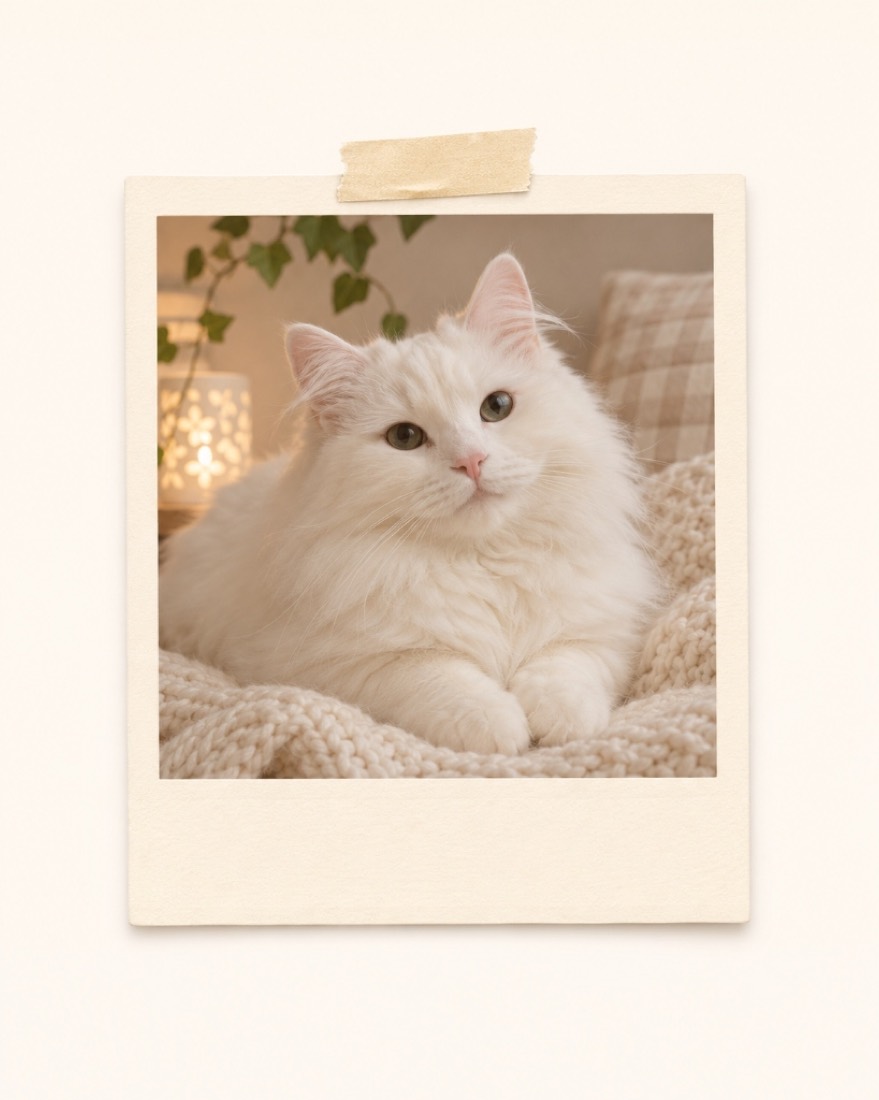
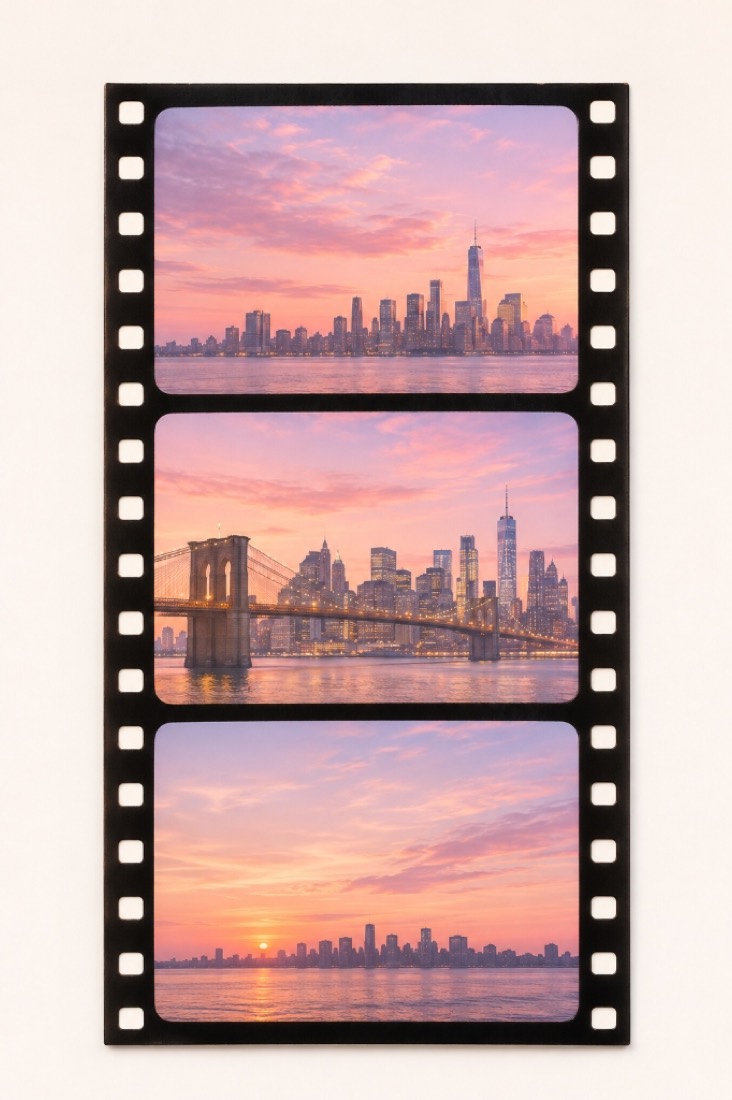

Explore Photo Booth Styles
Explore photo booth styles inspired by Korean self-photo studios, vintage film cameras and playful designs.
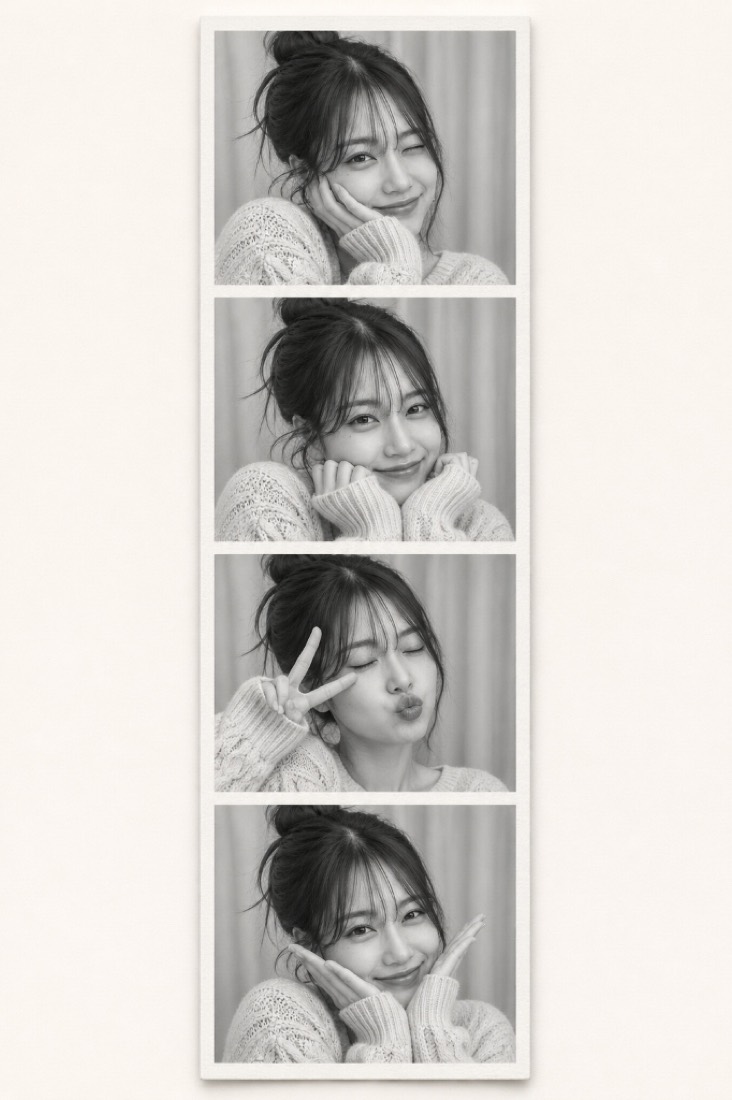


Photo Booth Studio
100% browser-based editor. Snap with your camera or upload photos — nothing leaves your device.
Try Live Photo Booth Filters
Tap any filter below to compare natural, Korean, film, monochrome, and retro digicam tones on the exact same selfie.

Seoul Soft
Soft Korean studio glow with lifted shadows and bright, rosy skin tones.
How It Works
Create your photo booth photos in three simple steps.
Take photos with your camera or upload your own.
Choose a layout, frame, filter, and add stickers or text.
Download high-quality photos and share them anywhere.
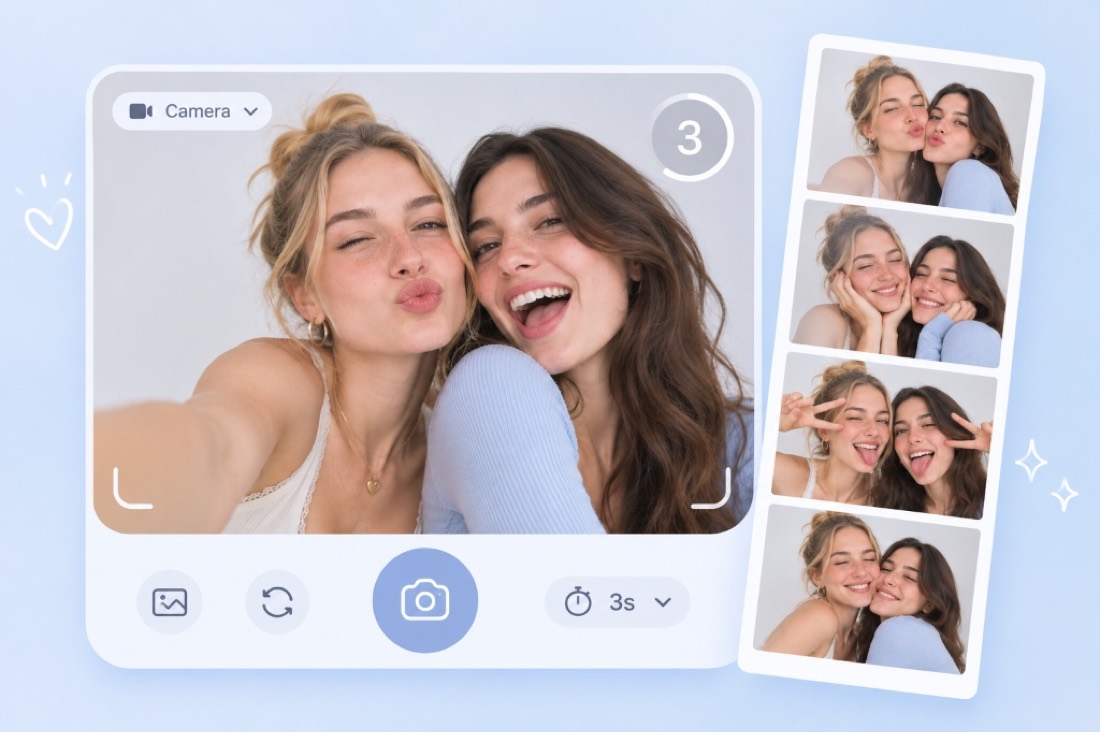
Take Photo Booth Pictures Online With Your Webcam
Turn your laptop webcam or phone camera into a photo booth. Snapatoo automatically captures a sequence of pictures, with a countdown before each shot so you have time to change your pose.
- Automatic photo capture with a 3s, 5s, or 10s countdown for each shot
- Mirror mode and optional screen flash
- Retake a single photo without losing the other shots
Create Photo Strips From Your Own Photos
Use our free photo strip maker to create a photo booth strip online without a webcam. Upload photos from your phone or computer, put them in your favorite order, and crop or zoom each picture to fit its frame.
Bring together travel snapshots, birthday pictures, café dates or everyday selfies in one design.
Try Photo Strip Maker →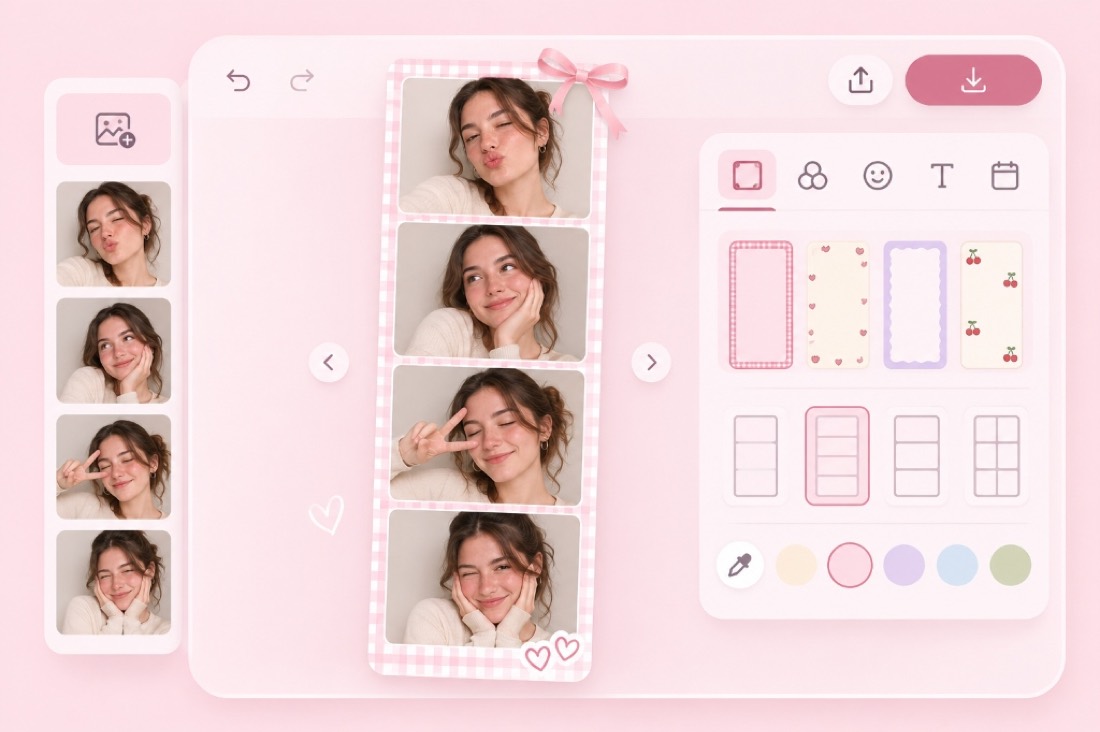
Customize Your Photo Booth Pictures With Frames and Stickers
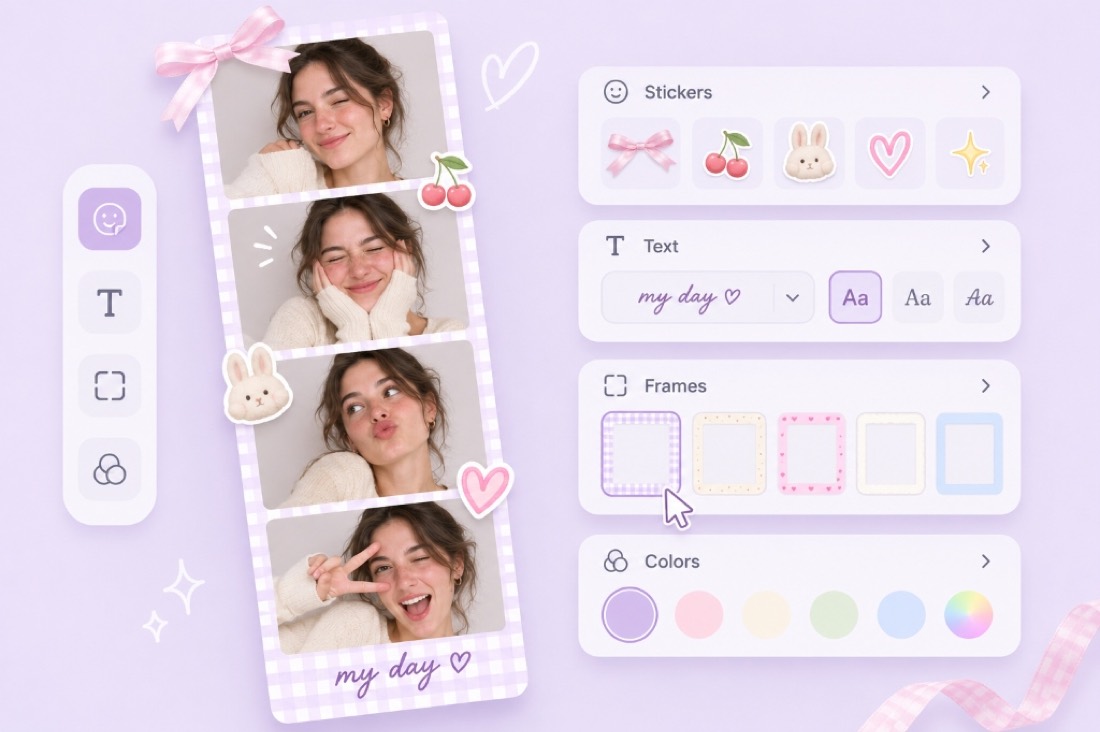
Personalize your photo strips with original photo booth frames, custom colors, stickers and text. Keep the design minimal with a clean white border, choose a playful pattern, or add small details that match the mood of your pictures.
- Frames & backgrounds: Korean-inspired borders, vintage film, pastel gingham, and solid paper colors.
- Stickers: Add little bows, hearts, stars, cherries, or other playful decorations.
- Text & date stamps: Add a name, short message, or date — or leave the border completely clean.
Preview Live Filters & Download Without Watermarks
Preview soft portrait tones, warm film colors, vintage monochrome, and early-2000s digicam looks before you snap — or switch filters anytime in the editor.
Watch your finished photo strip print out on screen, then download a crisp high-resolution PNG with zero mandatory watermarks.
Make Your Photo Strip →
Why Choose Snapatoo?
A little photo booth that fits into your day, without the extra steps.
Free to Use
Take pictures, customize photo strips and download the finished images for free.
No Signup Required
Start a photo session without creating an account or entering your email address.
No Watermark
Save clean photo strips without mandatory logos or website branding.
No App Needed
Open Snapatoo in your browser without installing a separate app.
Mobile & Desktop
Use a compatible phone, tablet or computer, wherever you feel like taking pictures.
Private by Design
Your photos are processed locally on your device, without uploading them to our servers.
Frequently Asked Questions
What is an online photo booth?
An online photo booth is a browser-based camera tool that captures a sequence of pictures and arranges them into a photo strip or grid. Snapatoo also lets you use existing photos and customize the result with frames, filters, stickers and text.
Is Snapatoo free to use?
Yes. Taking photos, uploading pictures, customizing photo strips and downloading finished images are free. You don't need to create an account or install an app to use the online photo booth.
How do I use a photo booth online?
Open Snapatoo, choose a photo layout and allow camera access. Select a countdown, pose for each shot, customize your photo strip and download the finished image. You can also choose Upload Photos to skip the camera step.
Can I use the photo booth on my phone or MacBook?
Yes. Snapatoo works in compatible mobile and desktop browsers. You can use your iPhone, Android phone, MacBook or Windows computer, provided your browser supports camera access. You can also upload photos instead.
Can I make a photo strip without a webcam?
Yes. Choose Upload Photos to use pictures from your device. You can arrange, customize and download a photo strip without enabling your camera.
Can I retake just one picture?
Yes. Select the picture you want to retake or replace. The other pictures in your session stay in place.
How do I make Korean four-cut pictures online?
Choose a four-cut layout, capture four pictures or upload four existing photos, and select a Korean-inspired frame. Add your preferred filter and download the finished strip.
Can I download my photo booth pictures without a watermark?
Yes. Snapatoo lets you download your finished photo strips without a watermark. You can choose whether to add your own text or date.
Are my photo booth pictures private?
Your photos are processed in your browser and are not uploaded to Snapatoo's servers. You control camera access and decide what to save or share.
Why is my camera not working?
Check your browser's camera permissions and close other applications that may be using the camera. Check your device settings and reload the page if needed. If the camera remains unavailable, use Upload Photos.
Why is my camera blocked inside Instagram or TikTok?
In-app browsers inside Instagram and TikTok often restrict live camera permissions for security reasons. Tap the menu icon and choose Open in Safari or Open in Chrome to use your camera normally.
Can I use this as a MacBook photo booth online alternative?
Yes. Snapatoo runs smoothly in Safari, Chrome, and Edge on any MacBook or Windows laptop, giving you modern film filters, custom borders, and multi-shot strip layouts right in a browser tab.
Can I print my photo booth strips?
Yes. Download your photo strip and print it at home or through a photo printing service. Match your paper size and print settings to the proportions of the downloaded image.